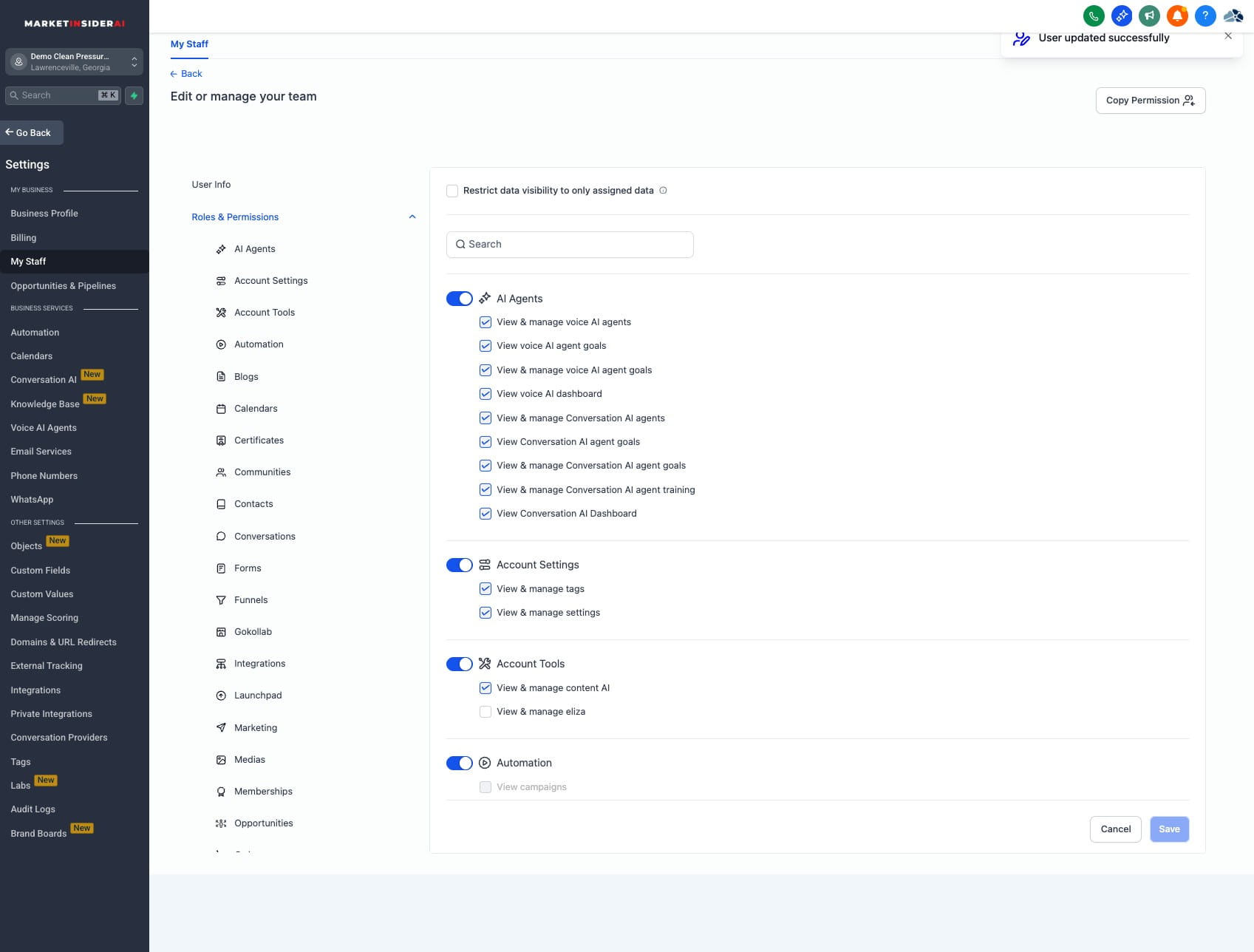
Signature setup for a user as an Admin
Setting up a signature for a user.
Oct 03, 2025●
1
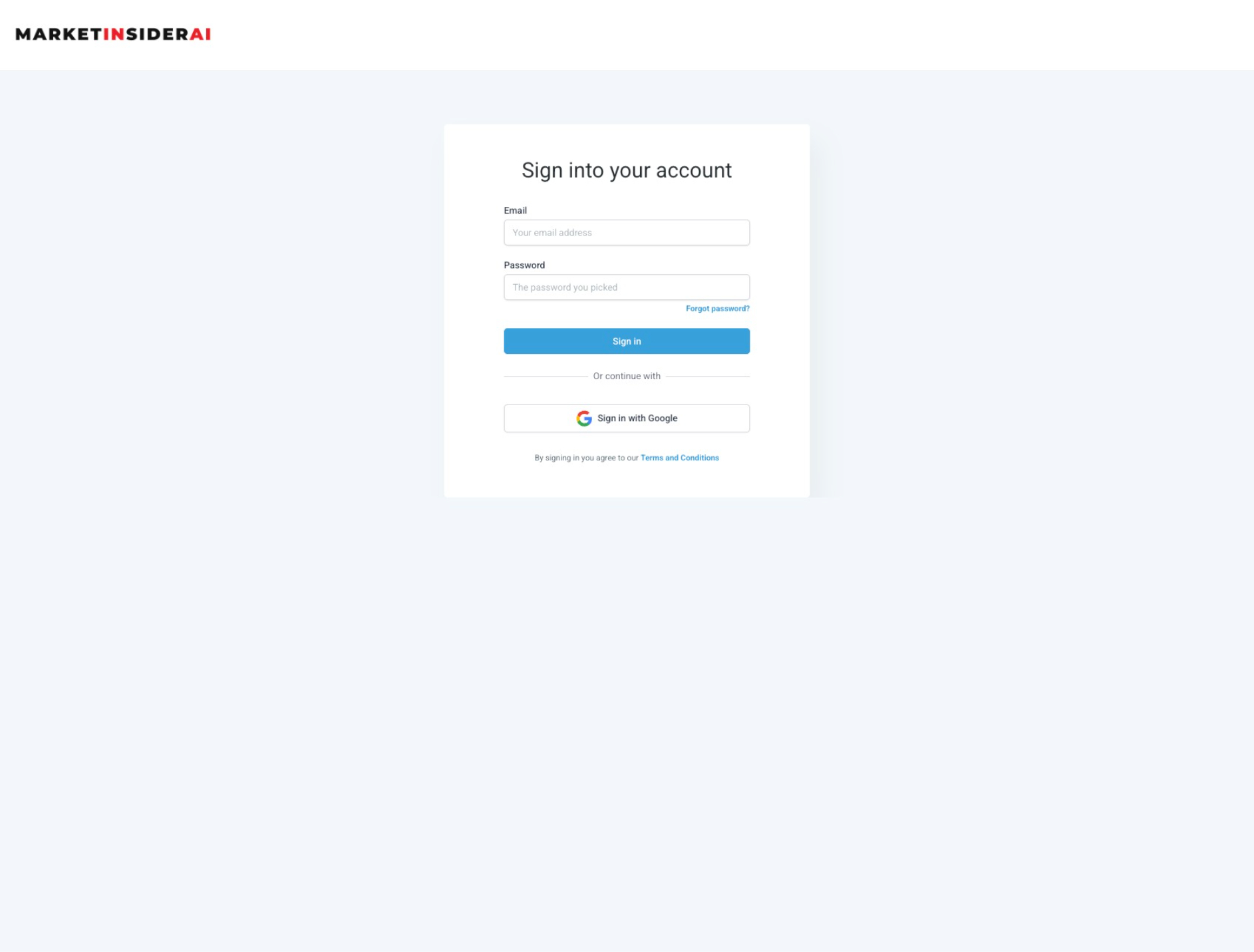
Navigate to https://app.marketinsiderai.com/
2
Login to MarketInsiderAI with your login credentials
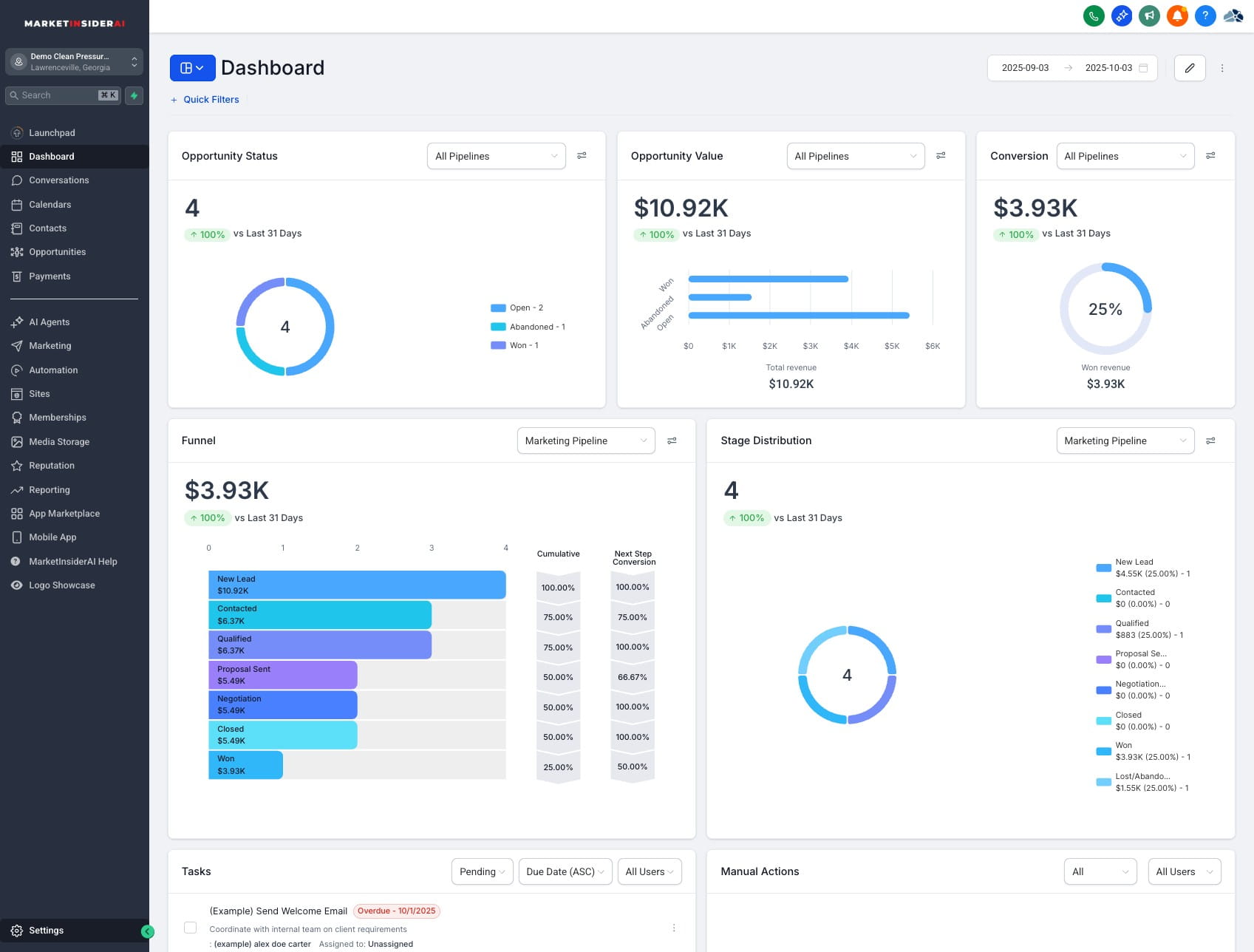
3
Click on "Settings"
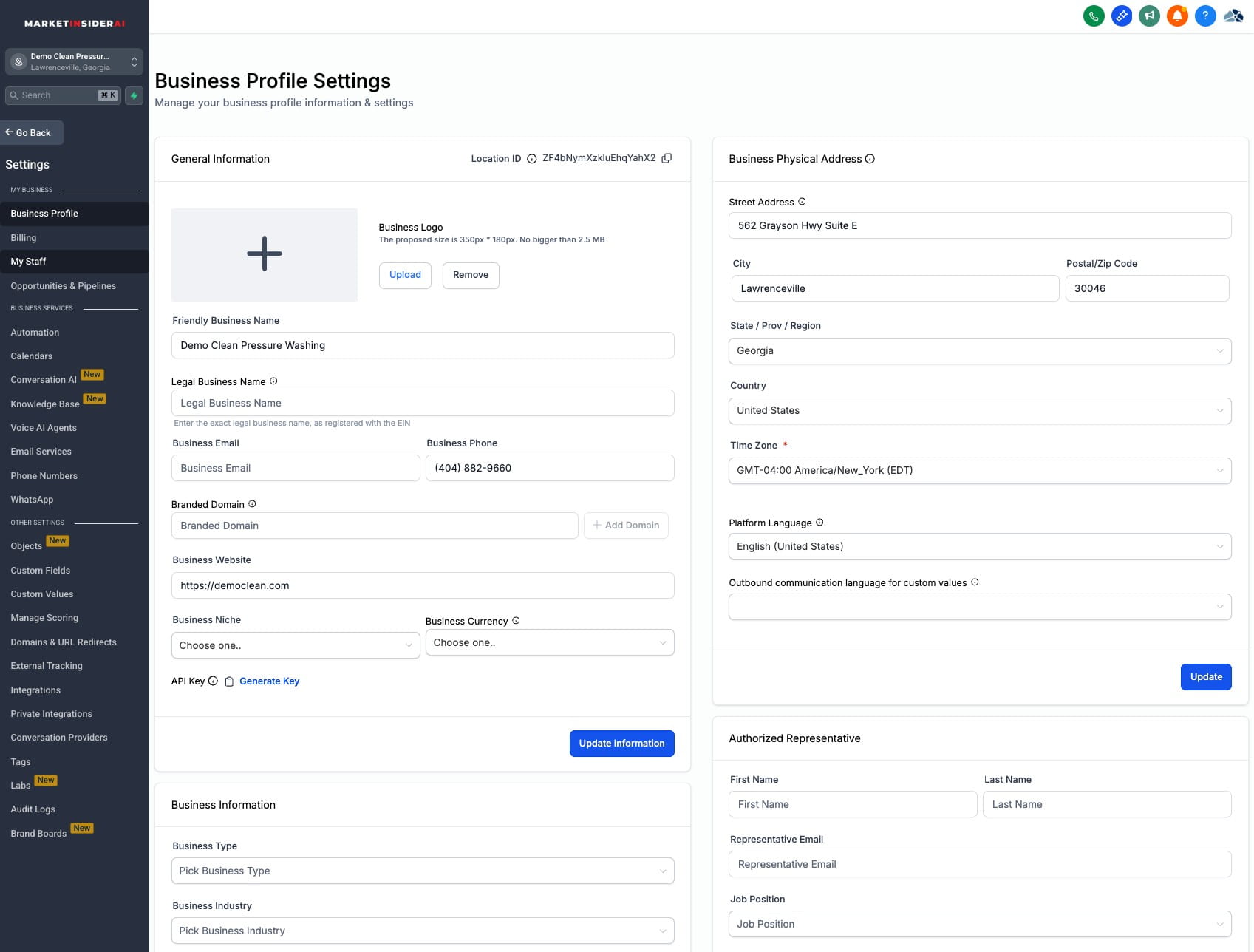
4
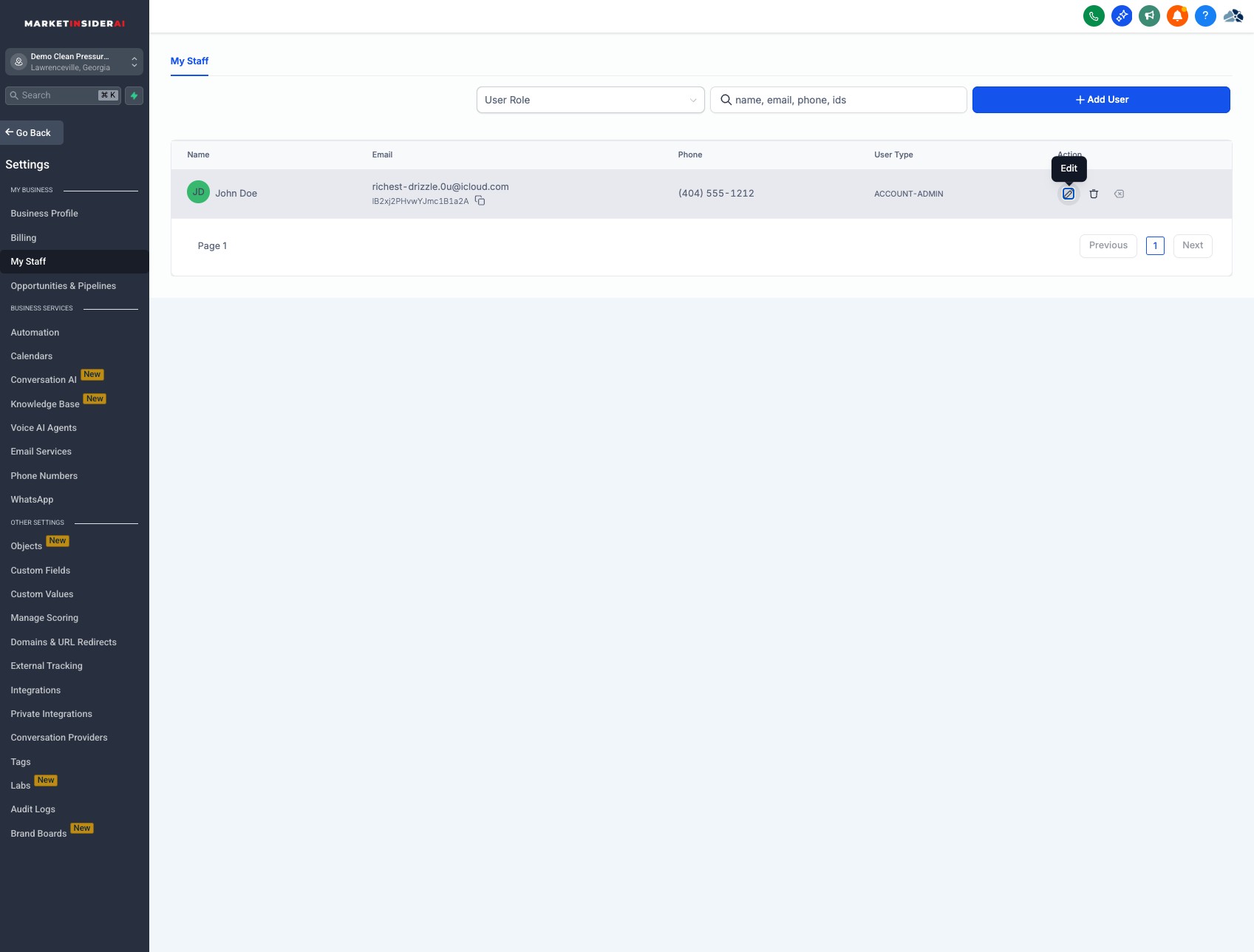
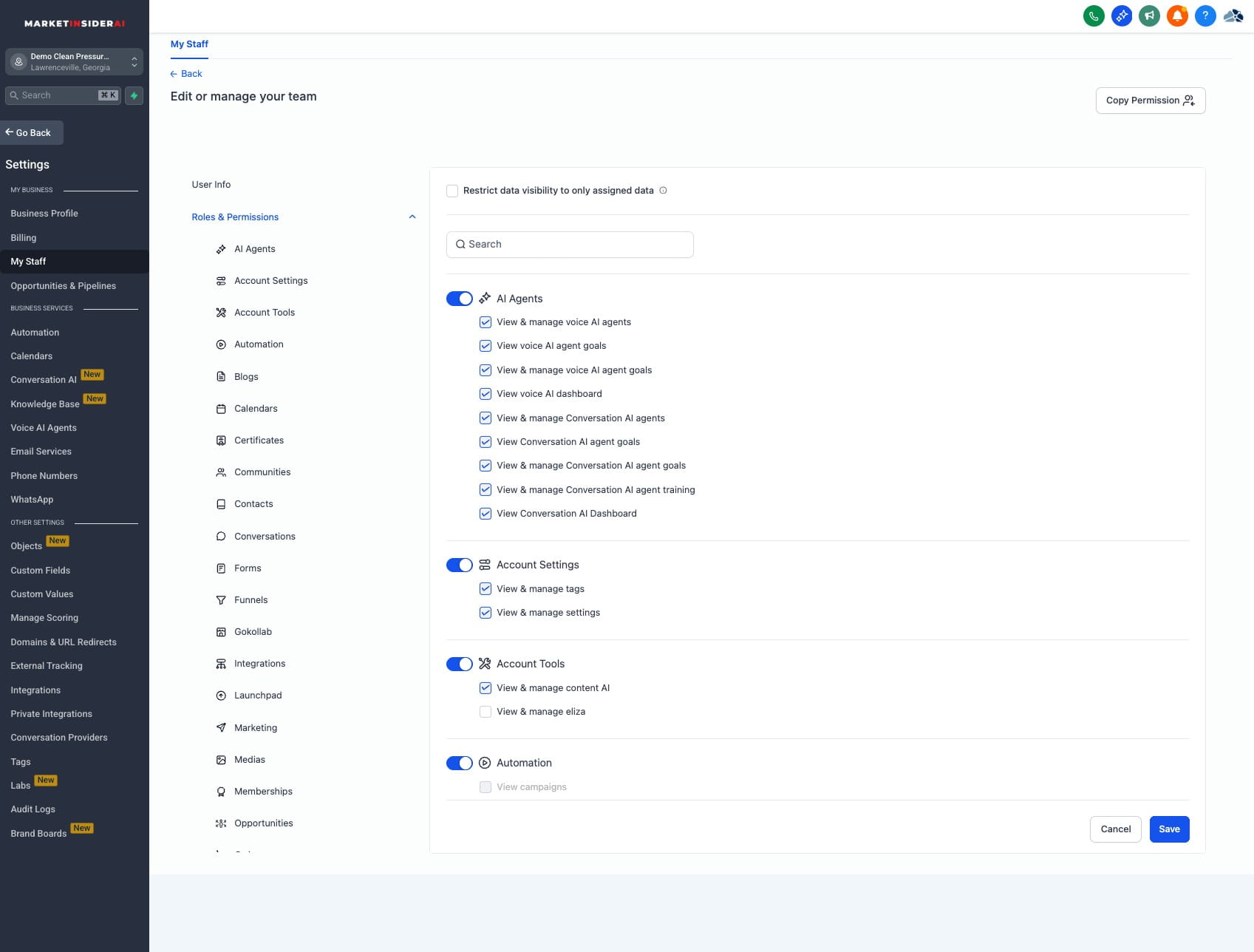
Click on "My Staff"
5
Click this icon
6
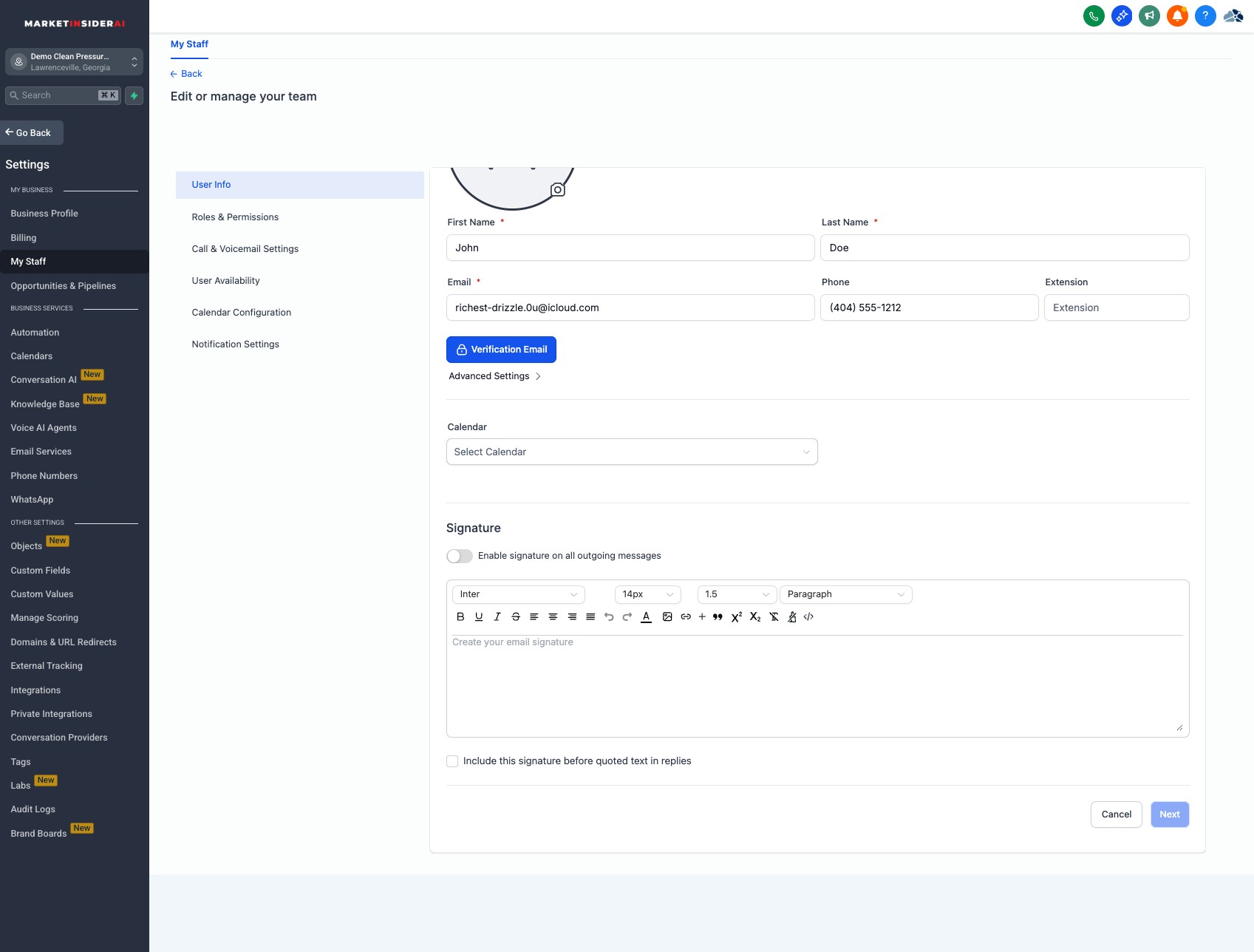
Enable signature on all outgoing messages
7
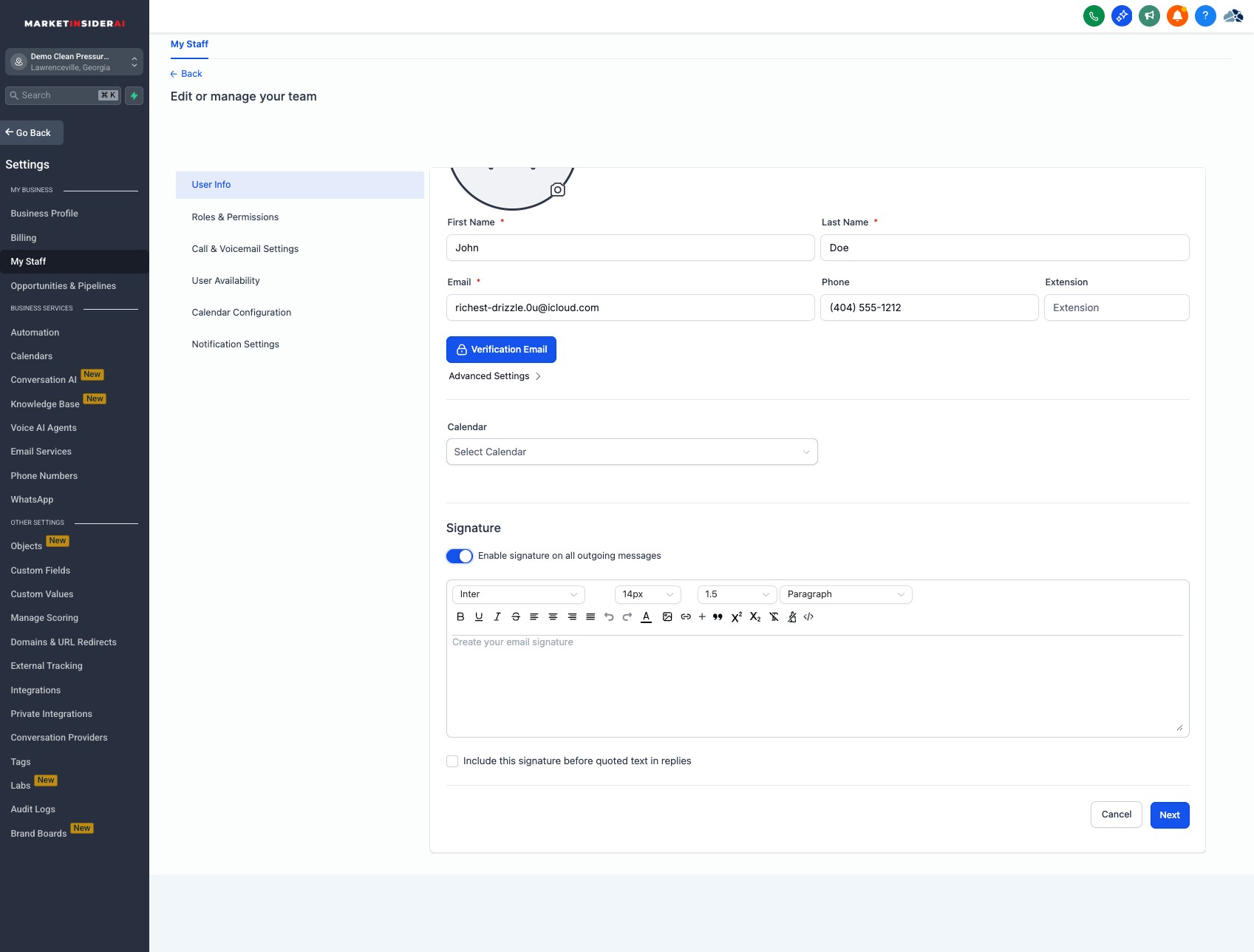
Click into the text box to enter your signiature
8
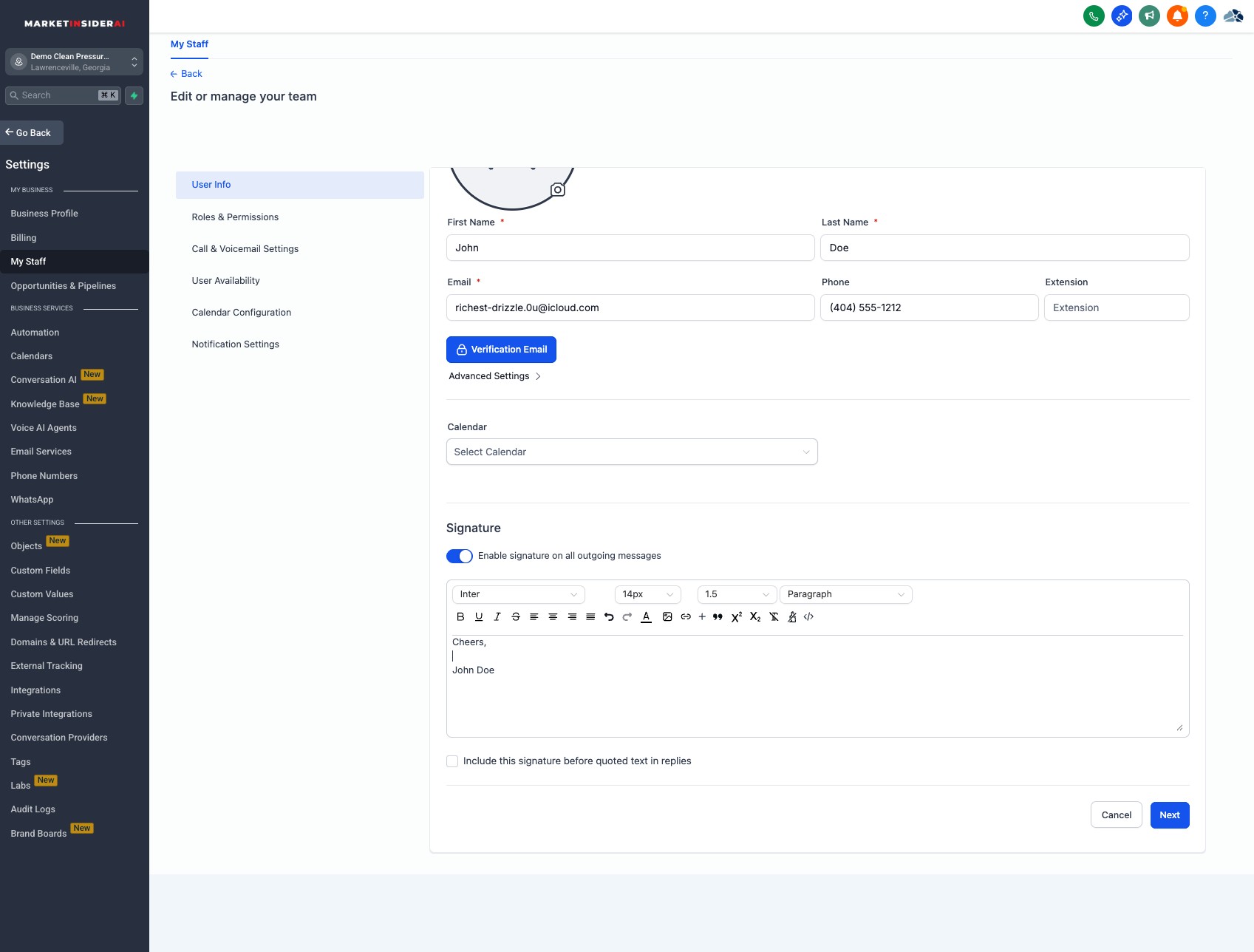
Click on "Next"
9
Click on "Save"
10
Done 🚀